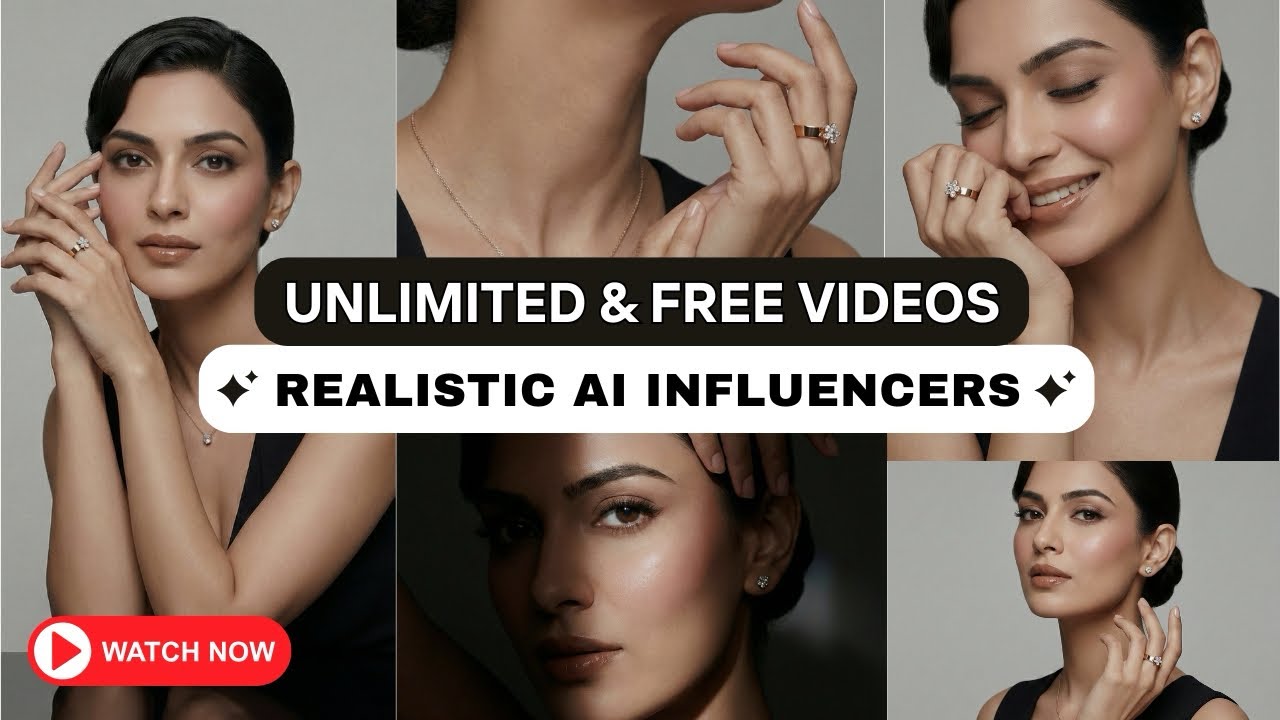
High-end cinematic transition videos were once limited to Hollywood studios, professional filmmakers, and expensive ad agencies. Brands used to spend thousands just to achieve smooth camera movements, dramatic lighting, and premium visual storytelling.
Today, AI has completely changed that.
In this guide, you’ll learn how to create AI realistic influencer images and convert them into cinematic transition videos for free, using simple AI tools and smart prompts—no paid editing software required.
👉 Watch the complete video tutorial here:
🔗
Why Cinematic AI Videos Are in High Demand
Static AI images are powerful, but motion is what truly captures attention. Brands and creators now want:
- Smooth camera transitions
- Luxury brand-style lighting
- Hollywood-level movement
- Short-form cinematic videos for reels & ads
Many freelancers charge heavily for this—but with AI, you can create the same results for free.
Step 1: Create Realistic AI Influencer Images
The process starts with generating cinematic-quality images using Google Gemini.
What makes this powerful?
- One single prompt works on multiple models
- You don’t need the original reference face
- Results stay consistent and professional
How to do it:
- Copy a cinematic prompt (shared as a PDF in the video description)
- Open Gemini → Click Create Image
- Paste the prompt
- Upload any model image
- Submit and generate
The output image looks highly similar to the prompt reference, even when you change the model.
Step 2: Select Frames for Transition
Once your images are ready:
- Pick one image as the starting frame
- Pick another image as the ending frame
These two frames will define your entire cinematic motion.
This method works perfectly for:
- AI influencers
- Product showcases
- Fashion visuals
- Luxury brand promotions
Step 3: Turn Images into Video Using Google Flow
Now comes the transformation—converting still images into motion using Google Flow.
Steps:
- Open Google Flow
- Click Text to Video
- Choose Frames to Video
- Upload:
- First image (frame 1)
- Second image (frame 2)
But to get smooth cinematic motion, you need the right motion prompt.
Step 4: Generate Motion Prompt with ChatGPT
Instead of guessing camera movements, simply upload both images to ChatGPT and give this instruction:
“Add smooth motion from first frame to end frame.
Camera movement and lighting should look realistic and cinematic, like a luxury brand video shoot.”
ChatGPT generates a professional-quality motion prompt instantly. Copy and paste it into Google Flow.
Free vs Paid Version: Real Truth
A big myth is that you need paid tools for cinematic output. In reality:
- Free version quality is almost identical
- Paid version only increases usage limits
- Motion, lighting, and realism remain the same
You can even claim a free Gemini subscription via Jio SIM, but it’s optional.
Final Output: Hollywood-Level Results
The generated video includes:
- Smooth cinematic transitions
- Natural camera movement
- Premium lighting
- Luxury brand feel
All without editing software, plugins, or watermark-heavy tools.
Who Should Use This Method?
This workflow is perfect for:
- Content creators
- Digital marketers
- Instagram reel makers
- YouTubers
- AI influencers
- Freelancers & agencies
If you’re offering AI services, this skill alone can become a paid service.
Final Words
AI has removed barriers that once stopped creators from producing cinematic content. With the right prompts and tools, anyone can create Hollywood-style transition videos for free.
🎥 Watch the full tutorial here: