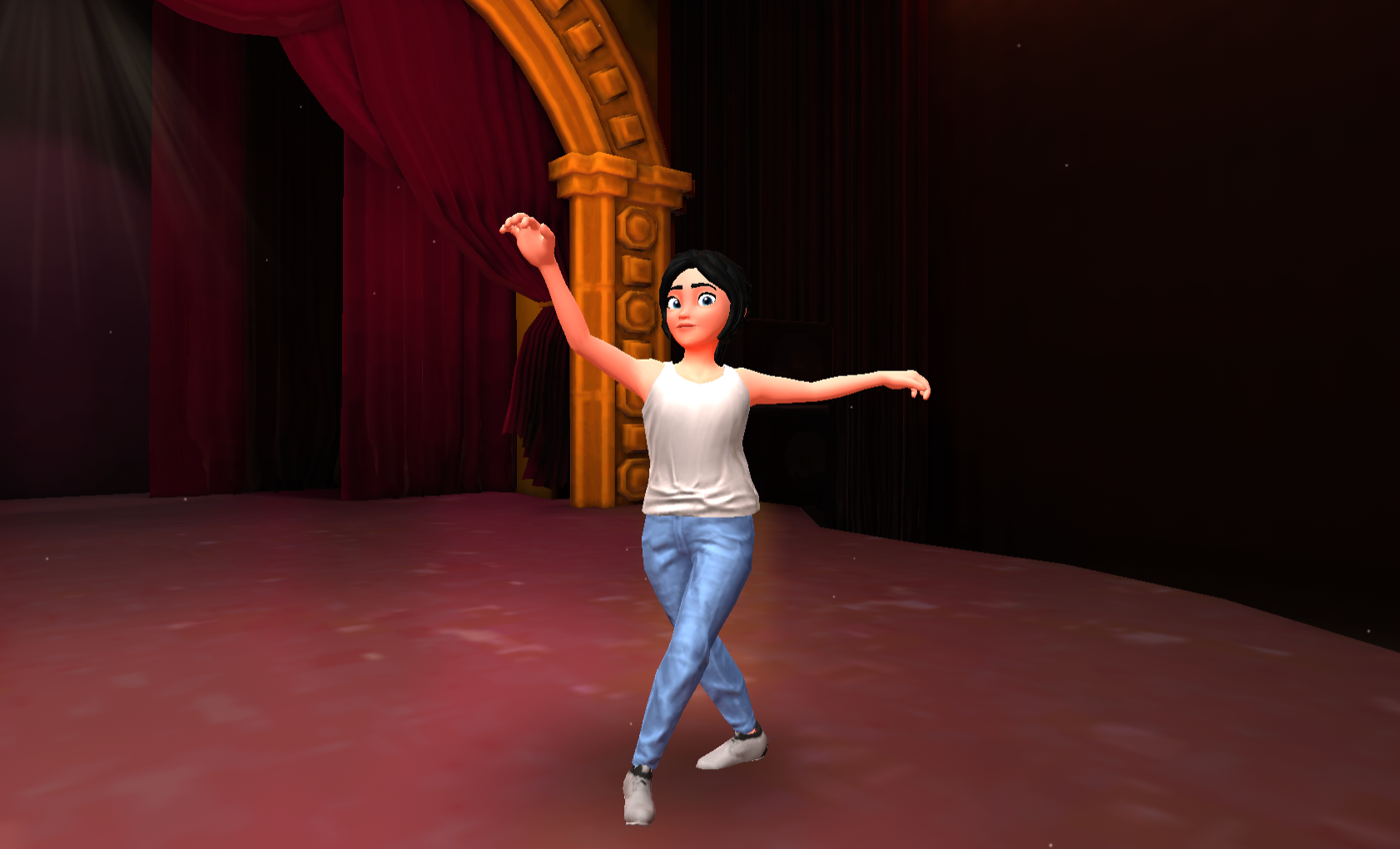
AI dancing videos are going viral everywhere — Instagram, YouTube Shorts, and Facebook Reels. What makes them special is that the character dances exactly like a human, follows expressions, and looks cinematic.
The best part?
👉 You don’t need complex prompts or technical skills.
In this blog, you’ll learn a simple and beginner-friendly process to create AI dancing characters using your own photo.
Why AI Dancing Videos Are Trending
- They look fun and animated
- Easy to personalize
- Perfect for reels & shorts
- High engagement and shareability
- Works for creators, influencers & brands
Step 1: Generate Your AI Cartoon Character
Upload Your Photo to ChatGPT
- Upload a clear full-body image
- Face, hands, and legs must be visible
- Avoid blurry or cropped photos
Prompt to Use
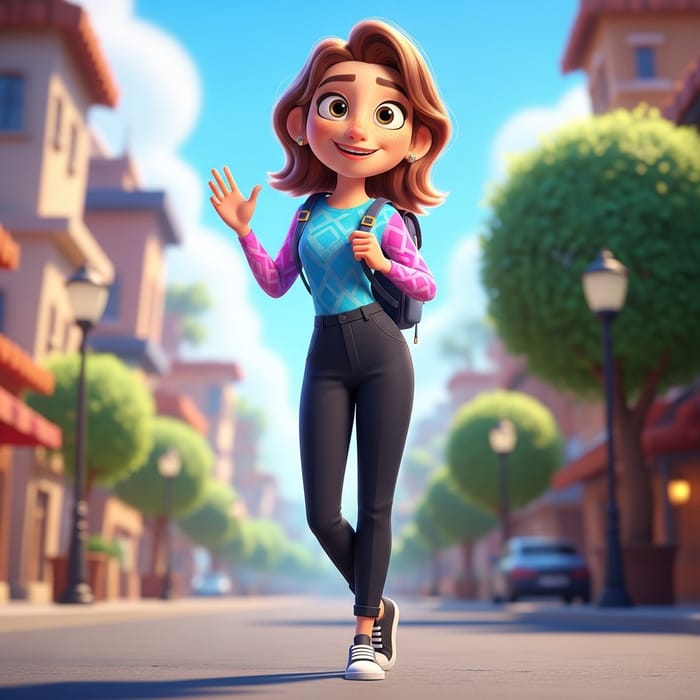
Convert this image into Pixar style
✨ Result:
- Cartoon-style avatar
- Same outfit & posture
- Clean, professional look
Download the image once you’re satisfied.
Step 2: Animate the Character with Dance Motion
Open Kling AI
- Click on Video
- Select Motion Control
- Upload your Pixar-style image
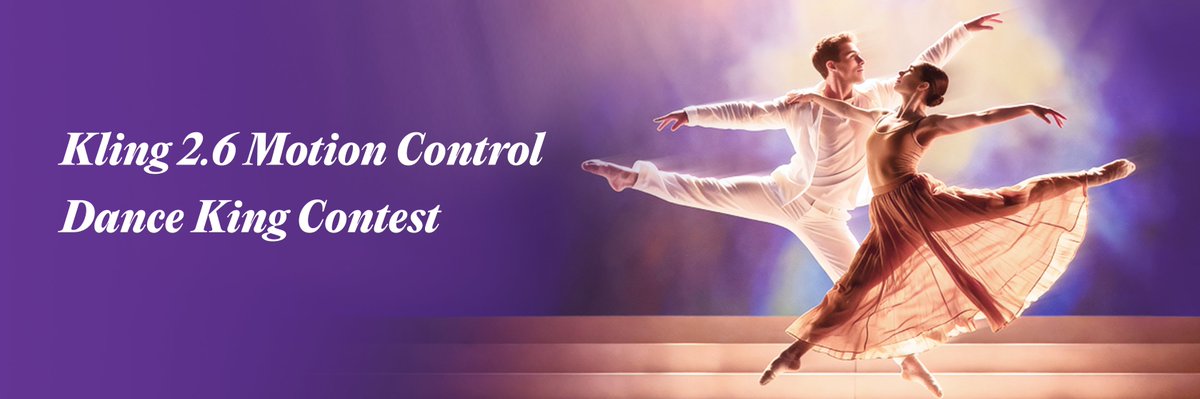
Step 3: Add Dance Reference Video
Choose a dance video that:
✔ Has only one dancer
✔ Is under 30 seconds
✔ Shows full-body movement clearly
Upload it as a reference video.
The AI will now understand how your character should move.
Step 4: Generate & Download
- Check credit usage
- Click Generate
- Wait for processing
🎉 Your AI character will now dance exactly like the reference video.
Bonus: Make Your Character Speak & Act
Beyond dancing, you can:
- Add dialogues
- Lip sync perfectly
- Control facial expressions
- Add hand gestures
🎥 Complete video tutorial here:
https://www.youtube.com/watch?v=x3GLABYSQbA
Best Use Cases
- Instagram Reels
- YouTube Shorts
- Personal branding
- AI influencers
- Entertainment content
Final Tip
AI works best with clean inputs. Better photos = better output.