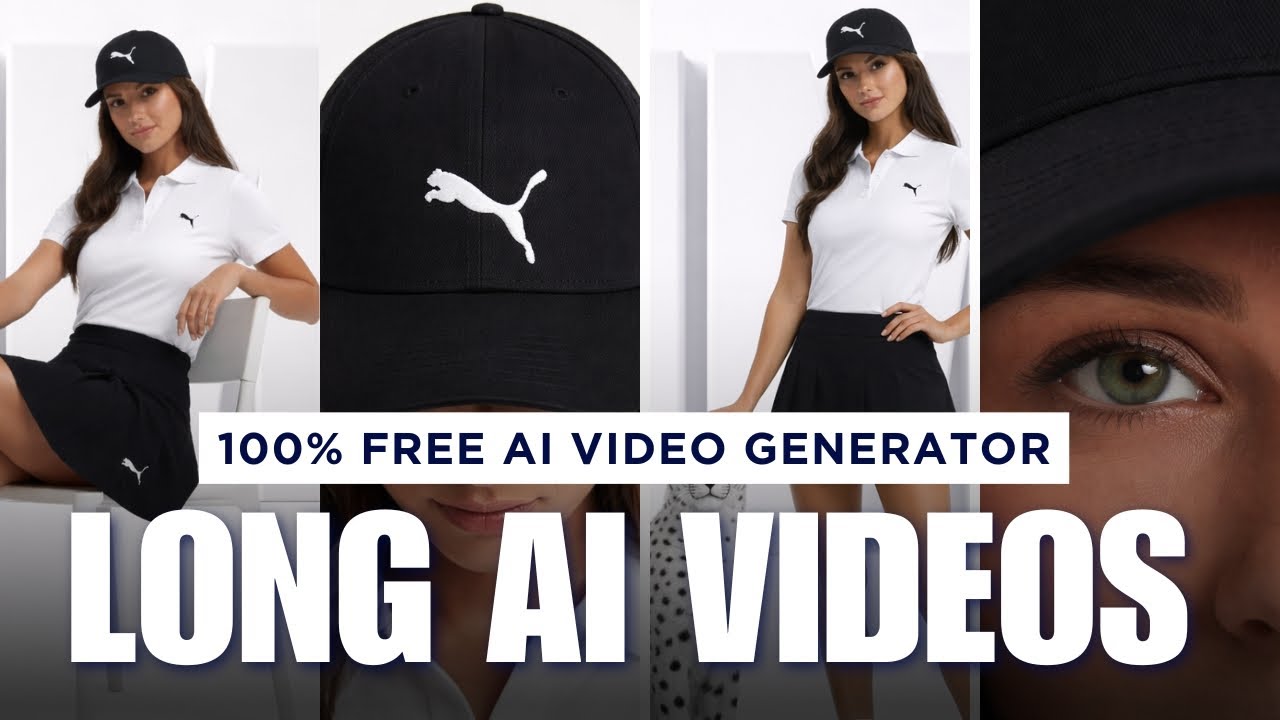
Artificial Intelligence is revolutionizing video creation. Just a few months ago, most AI tools could only generate short video clips of 5–10 seconds. But now, with advanced free tools like ChatGPT and Google Flow, you can create long, continuous AI videos without paying anything. This is a game-changer for YouTubers, marketers, and content creators who want professional videos without expensive equipment or editing skills.
In this guide, you will learn step-by-step how to create long AI videos for free using simple tools and techniques.
Understanding AI Video Generation
AI video generation works by converting images or text instructions into animated video clips. These clips can be extended and connected to form a longer video. Instead of recording footage manually, AI generates scenes based on your instructions.
This saves time, reduces cost, and makes video production accessible to everyone.
Step 1: Create or Prepare Your Base Image
Every AI video starts with an image or visual reference. This image acts as the starting frame of your video.
You can use ChatGPT to generate or edit images easily. Simply upload your reference image and product image, and give clear instructions such as:
“Keep the same background and lighting, but replace the product with my uploaded product image.”
ChatGPT will generate a professional image matching your desired setup. This ensures consistency and high quality in your video.
You can also enhance image clarity, adjust elements, and download the final version.
Step 2: Convert Image into Video Using Google Flow
Once your image is ready, open Google Flow and select the Frames-to-Video option.
Upload your image and write a simple motion instruction like:
- “Character looks at the camera and smiles.”
- “Person walks forward and speaks.”
Click generate, and the AI will convert your image into a short video clip.
Typically, the first clip will be around 5 to 8 seconds long.
Step 3: Extend the Video to Increase Duration
This is the key feature that allows you to create long AI videos.
After generating the first clip, click on Add to Scene and select Extend.
Now, write the next action. For example:
- “Character turns back and waves at the camera.”
- “Camera slowly zooms in on the product.”
The AI will generate a new clip that continues from the previous scene naturally.
You can repeat this process multiple times to increase the video length.
Each extension adds more seconds, allowing you to build a long video step by step.
Step 4: Use Scene Jump Feature for Advanced Transitions
Another powerful feature is Jump To. This feature lets you define both the starting frame and ending frame of a scene.
Here’s how it works:
- Upload the first image (starting frame)
- Upload the second image (ending frame)
- Write a motion prompt describing the transition
The AI will generate a smooth transition between both frames.
This helps create cinematic storytelling and structured videos.
Step 5: Build Complete Long Videos with Multiple Scenes
By combining Extend and Jump To features, you can create full-length videos.
For example:
Scene 1: Character introduction
Scene 2: Character speaks
Scene 3: Product appears
Scene 4: Camera zooms into product
Scene 5: Ending message
All scenes connect smoothly, creating a continuous video.
This method is perfect for YouTube videos, ads, and social media content.
Step 6: Export and Download Your Video
Once your video is complete, click Export and download your video file.
You can now upload it to YouTube, Instagram, or any platform.
The entire process is free and does not require paid subscriptions.
Advantages of Creating Long AI Videos
There are several benefits to using AI video generators:
- No camera or shooting required
- No editing skills needed
- Saves time and effort
- Professional quality output
- Free to use
AI handles animation, motion, and scene continuity automatically.
Best Applications of Long AI Videos
You can use long AI videos for:
- YouTube automation channels
- Product advertisements
- Educational tutorials
- Storytelling videos
- Marketing campaigns
This technology is ideal for creators who want scalable content production.
Final Thoughts
AI video generation is transforming content creation. With free tools like ChatGPT and Google Flow, you can create long, professional videos without spending money.
By generating images, converting them into video, extending scenes, and connecting multiple clips, you can produce complete videos easily.
This is the future of video creation, and anyone can use it.
Start creating your own long AI videos today and grow your content faster.