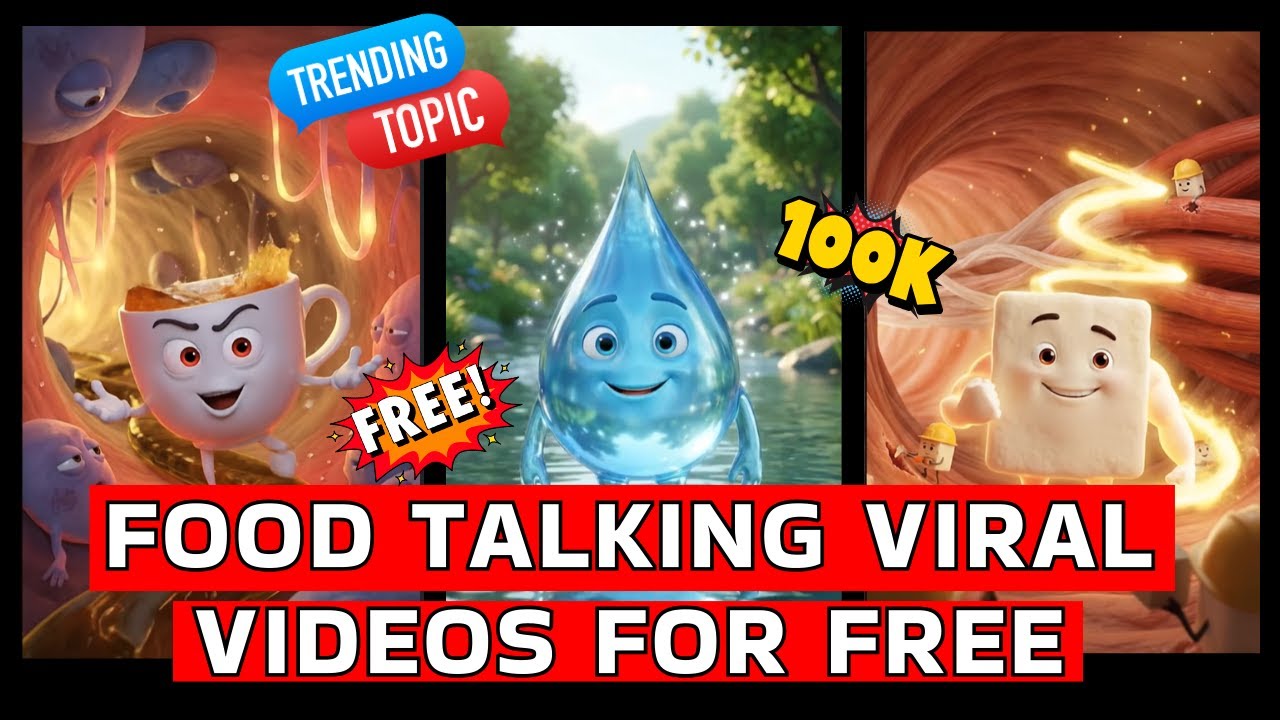
In today’s digital world, short films are one of the most powerful ways to attract an audience. Whether you are a YouTuber, content creator, marketer, or filmmaker, AI tools have made it possible to create professional short films without spending money.
With the right tools and techniques, you can now generate characters, dialogues, songs, and videos using Artificial Intelligence. Let’s learn how you can do this step by step.
What Is an AI Short Film?
An AI short film is a video created using artificial intelligence tools instead of traditional cameras and studios. These tools help you generate:
- Images
- Animations
- Voice dialogues
- Background music
- Visual effects
All from your computer or mobile.
You don’t need acting skills, expensive equipment, or a big team.
Step 1: Prepare Your Story
Before using any AI tool, prepare your story.
Ask yourself:
- Who is the main character?
- What is the message?
- How many scenes are needed?
- What emotions should be shown?
Write a simple script. Even 5–6 lines are enough for a short film.
Planning saves time and improves quality.
Step 2: Create Reference Images
AI works better when you give it visual references.
You can use:
- Screenshots
- Old photos
- Generated AI images
These help maintain consistency in face, clothes, and background.
For best results, use at least two reference images per scene.
Step 3: Convert Images into Cinematic Style
Upload your reference images to an AI image generator.
Use simple prompts like:
“Convert this into 3D cinematic style, 16:9 ratio, ultra HD.”
If the output looks different, refine:
“Keep exact face, skin tone, and hairstyle.”
This step creates a professional look for your film.
Step 4: Turn Images into Animated Videos
Now convert static images into moving videos.
Upload your image and write motion instructions:
“Character speaks slowly with emotional expression. Camera remains still.”
This controls body movement and camera behavior.
If the character moves wrongly, regenerate and improve your prompt.
Patience gives better results.
Step 5: Generate Dialogues and Voice
AI can generate realistic voiceovers.
Write your dialogues clearly.
For Hindi content, write in proper Hindi script.
Example:
❌ Galat: “Krishna ne gyaan diya”
✅ Sahi: “कृष्ण ने ज्ञान दिया”
This improves pronunciation quality.
Step 6: Create AI Songs and Music
Music increases emotional impact.
Use AI song generators with:
- Lyrics
- Mood
- Style (rap, devotional, romantic, cinematic)
Try multiple versions and select the best.
Download in high-quality MP3.
Step 7: Improve Video Quality
Free tools usually give low resolution.
Use AI upscalers to:
- Increase sharpness
- Reduce noise
- Improve clarity
After upscaling, your film looks premium.
Step 8: Edit Your Short Film
Import all files into video editing software.
Arrange clips according to story.
Add:
- Soft transitions
- Background music
- Dialogue sync
Keep editing simple. Avoid overeffects.
Step 9: Export and Upload
Export in 1080p or 4K.
Upload on:
- YouTube Shorts
- Instagram Reels
- YouTube
Add proper title, description, and hashtags.
Advantages of AI Filmmaking
AI short films offer:
- Zero investment
- Fast production
- Creative freedom
- Unlimited experiments
- Online earning opportunities
Perfect for beginners and professionals.
Final Words
AI filmmaking is the future of digital content.
With creativity and practice, you can build a strong online brand and reach millions.
Start today and grow step by step.