Have you ever seen a premium car ad and thought, “I wish I could make something like this”?
With AI, you can — and in a fraction of the time and cost.
This blog explains a simple, repeatable workflow to create professional AI advertisements.
Step 1: Break the Ad into Frames
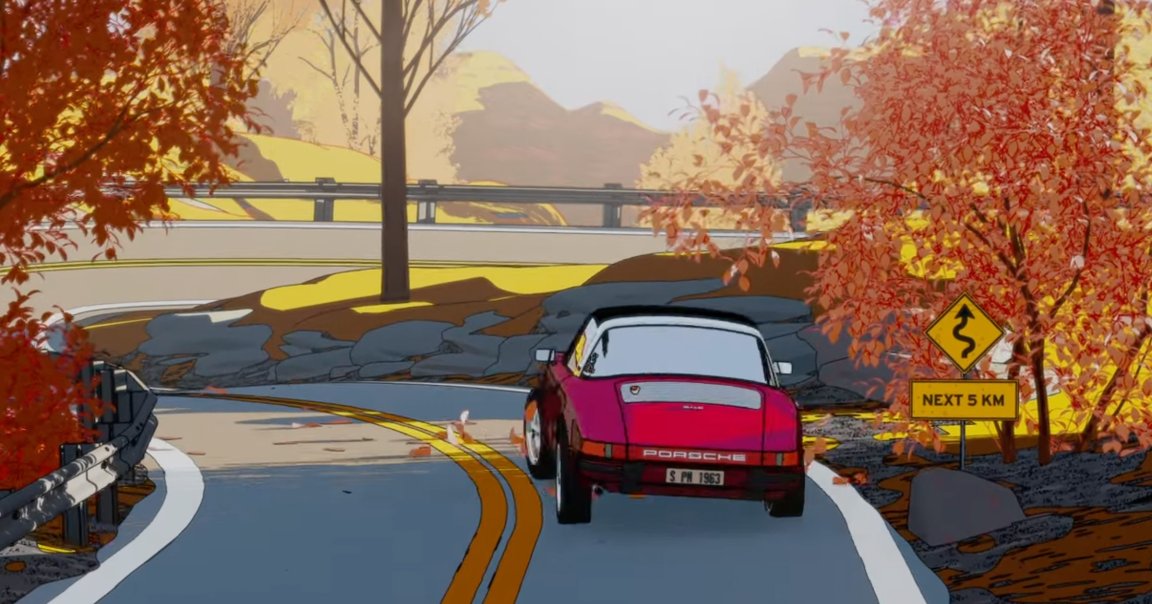
Choose an ad and take screenshots of every major scene:
- Opening shot
- Action movement
- Close-ups
- Final reveal
Each screenshot becomes a scene foundation.
Step 2: Convert to Vertical Format (9:16)
Since reels dominate social media:
- Convert every image to 9:16
- Keep camera angle unchanged
- Avoid repositioning objects
📌 If AI changes object placement, start a new chat and retry.
Step 3: Create a Clean Image Set
After conversion:
- Review all images
- Remove logos or watermarks
- Maintain consistent framing
Consistency = professional look.
Step 4: Generate Motion with Clear Prompts
Upload images one by one to an AI video tool.
Describe motion precisely:
- Slow camera movement
- Controlled subject motion
- Stable background
Avoid vague prompts.
Step 5: Handle AI Errors Like a Pro
AI sometimes:
- Changes object direction
- Adds camera shake
- Misses timing
Solution:
✔ Regenerate
✔ Modify motion description
✔ Try again
Persistence gives premium results.
Step 6: Final Editing & Flow
Combine all clips in an editor:
- Speed up filler scenes
- Slow down hero moments
- Align with background music
Now your AI ad feels cinematic and intentional.
🎥 Watch Full Tutorial Here
Who Should Use This Method?
- Content creators
- AI learners
- Freelancers
- Digital agencies
- Brand pitch designers
Conclusion
AI ads are not about copying — they’re about reimagining ideas faster.
With practice, you can deliver agency-level output solo.