WhatsApp Group Join Now
Telegram Group Join Now

Create Viral Baby Dance Videos with AI (Step-by-Step Beginner Guide)

WhatsApp Group Join Now
Telegram Group Join Now
https://images.media.io/ai-effects/baby-dance-ai-2.png
https://cdn.renderhub.com/giyas3dartist/pixar-style-baby-character-rigged-low-poly-3d-model/pixar-style-baby-character-rigged-low-poly-3d-model-13.jpg
https://images.anyrecover.com/litmediaen/assets/images/article-dance/ai-baby-cute-dance.jpg

AI baby dance videos are going viral across Instagram Reels and YouTube Shorts. These videos look cute, professional, and eye-catching — and the best part is, you don’t need a real baby, camera, or studio.

In this guide, you’ll learn how to create baby dance videos using AI tools in just a few minutes.


Step 1: Choose a Clear Outfit or Character Image

https://st3.depositphotos.com/13826506/16229/i/1600/depositphotos_162290044-stock-photo-a-set-of-fashionable-clothes.jpg
https://inspo.thedrobe.com/wp-content/uploads/2020/04/clothing-flat-lay.jpg
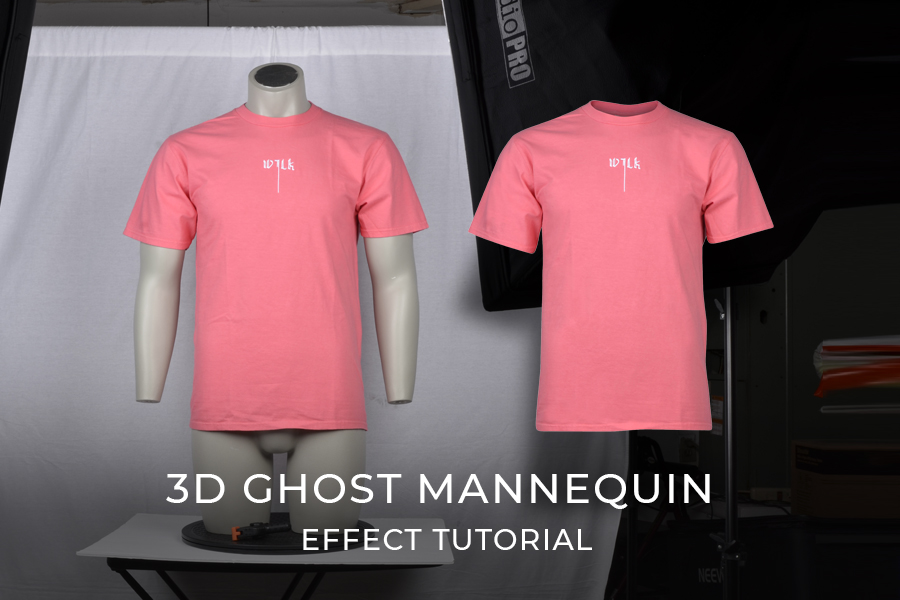
https://ephotovn.com/wp-content/uploads/2024/09/ghost-mannequin_image-featured-image-2-3.jpg

Start with a high-quality image.

Image must have:

  • Clear outfit visibility
  • Front-facing angle
  • Proper lighting
  • Accessories clearly visible

📌 Why this matters:
AI analyzes this image to design the baby character accurately.


Step 2: Convert Outfit into a 3D Baby Character
https://i.etsystatic.com/60565755/r/il/2b1922/7018552890/il_340x270.7018552890_f2nz.jpg
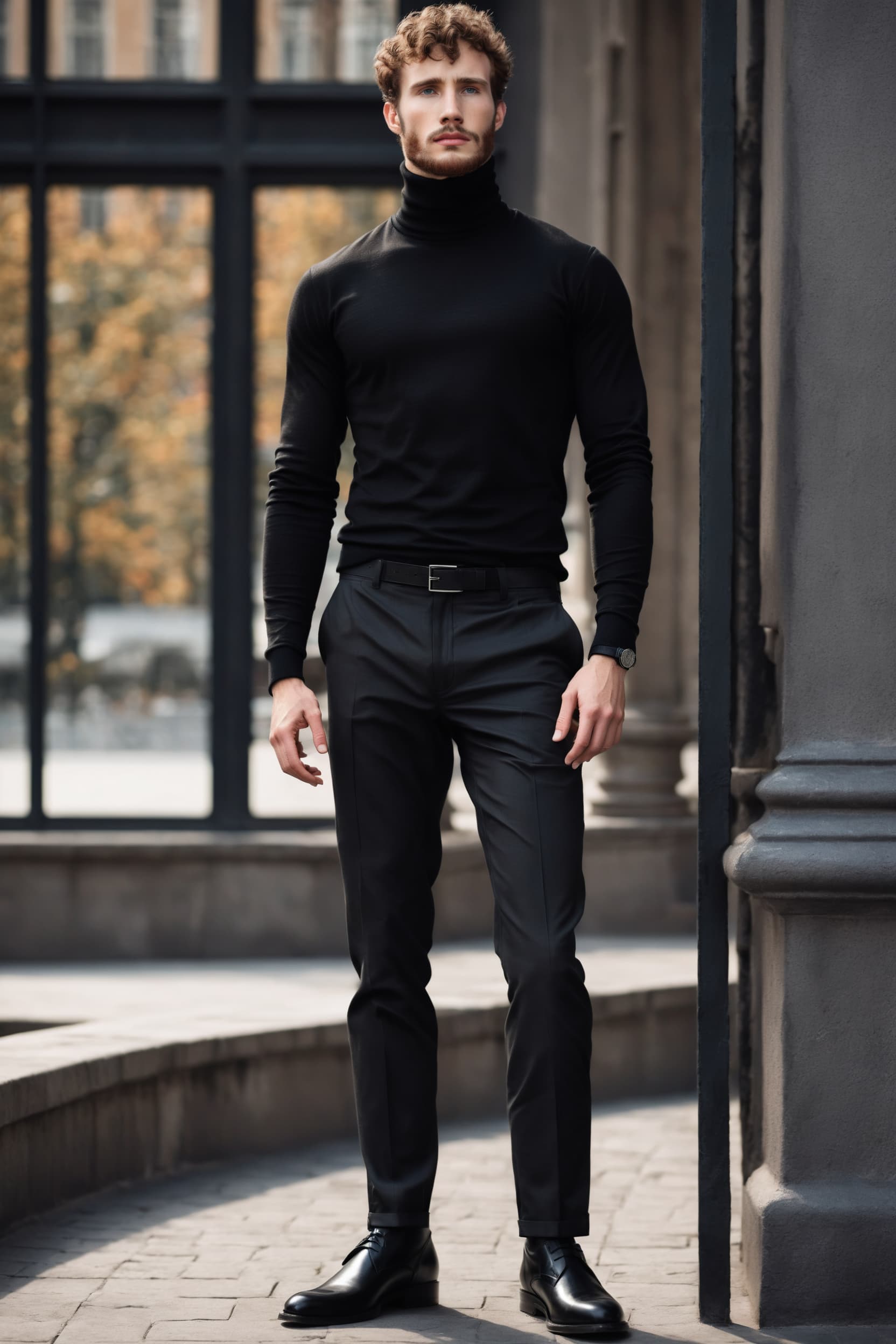
https://imagineme-ai.b-cdn.net/wp-content/uploads/2025/02/James-man-Wearing-a-turtleneck-in-classic-black-long-sleeves-and-a-snug-neckline.jpg
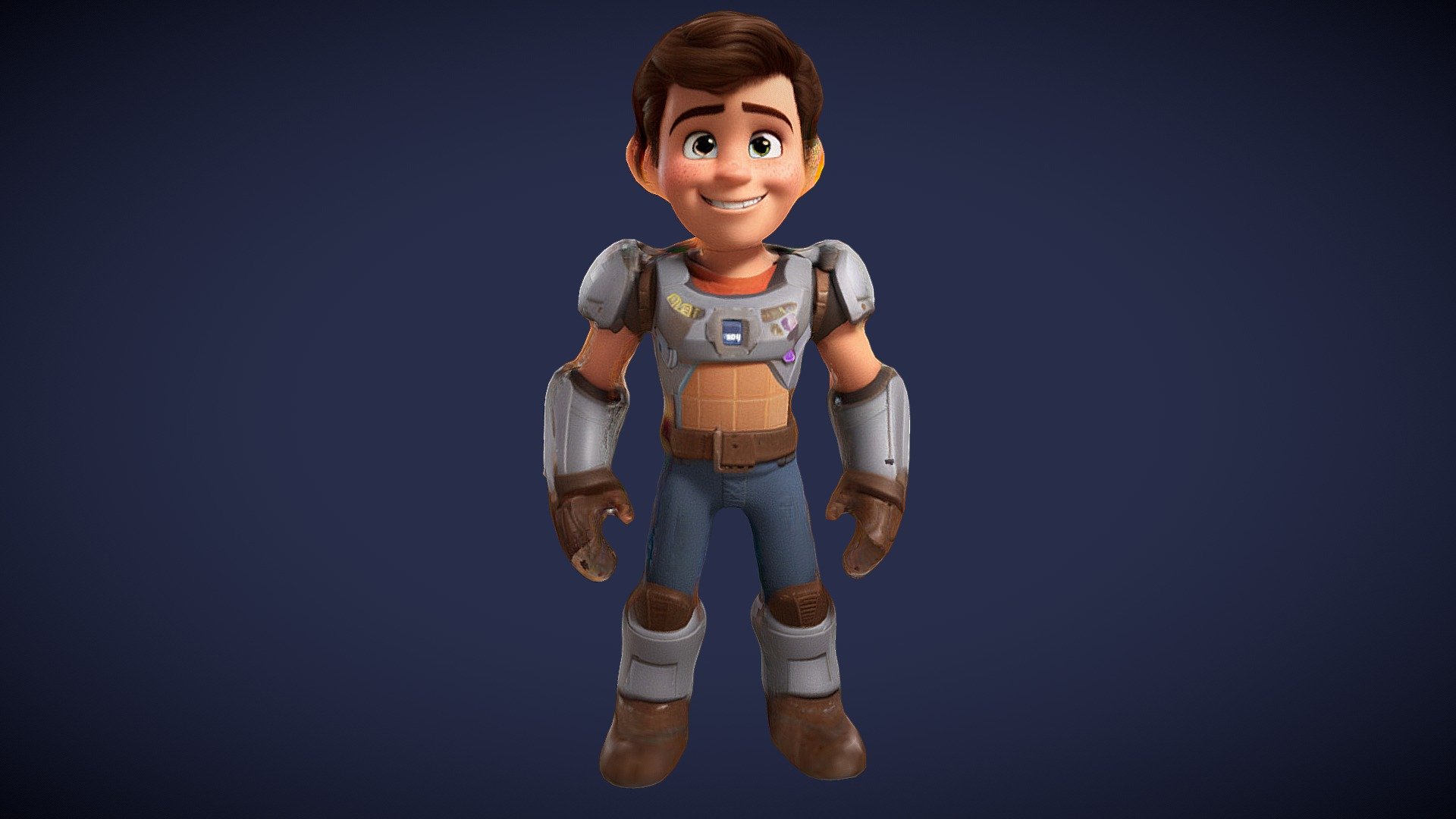
https://media.sketchfab.com/models/2faf84c58bb84d78abd087eca8e859ca/thumbnails/937eb755fe9d4e288202a4b2ed93c449/6ca2e63e7bd449de924acd061ff0bcbc.jpeg

Upload your image into Google Gemini and give a short instruction.

Sample Instruction:

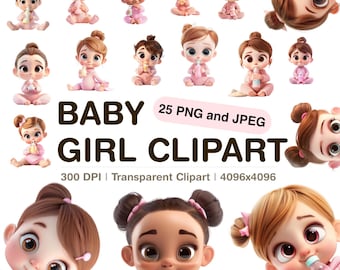
Create a cute 3D Pixar-style baby character wearing this exact outfit and accessories. Soft lighting, standing pose, high-quality details, vertical 9:16 format.

✨ Result:

  • A cute baby-style AI model
  • Perfect outfit matching
  • Ready for animation

You can edit:

  • Hair color
  • Face expression
  • Skin tone

Step 3: Animate the Baby Using AI Dance Motion
https://animateai.pro/video_bg_thumbnail.png
https://images.newscientist.com/wp-content/uploads/2023/07/18104143/SEI_164504969.jpg
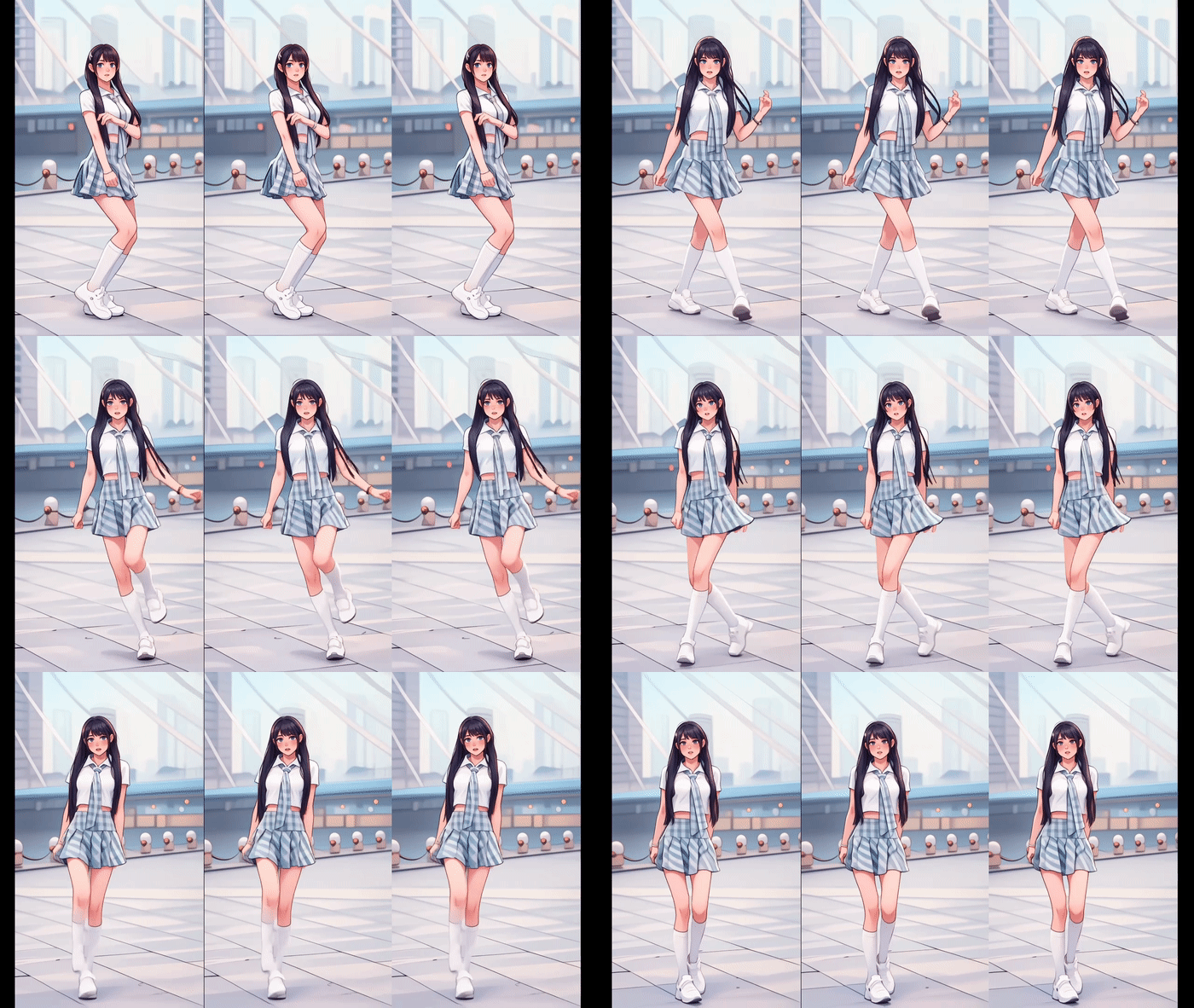
https://cdn.goenhance.ai/images/static/sites/ai-dance-girl-2.gif

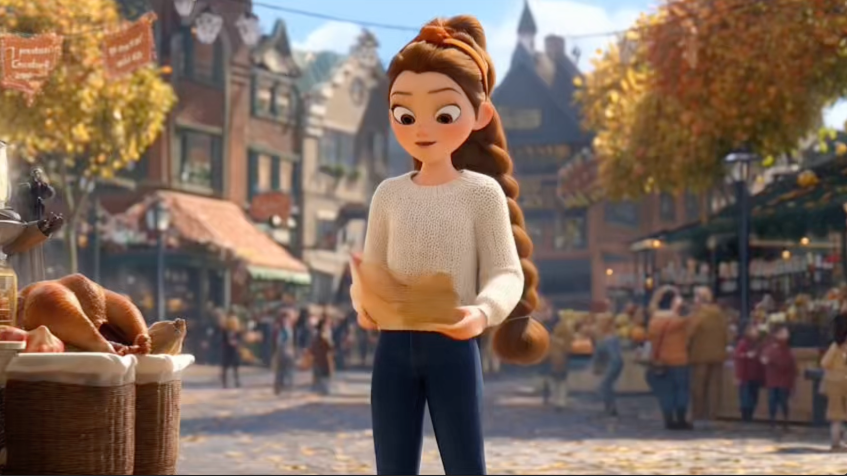
Now bring the character to life.

Process:

  1. Open Kling AI
  2. Select Image to Video
  3. Upload:
    • Baby character image
    • Dance reference video

⚠️ Important Rule:

  • If baby legs are visible → reference video must show leg movements clearly

This avoids shaky or broken dance motion.


Step 4: Fix Face Cut or Framing Problems

https://static-cse.canva.com/blob/1156190/tools-feature_bg-remover_promo-showcase_03.jpg
https://static.wixstatic.com/media/dda90b_cf92b97363954bdb82acd46e9ea0831d~mv2.png/v1/fill/w_980%2Ch_594%2Cal_c%2Cq_90%2Cusm_0.66_1.00_0.01%2Cenc_avif%2Cquality_auto/dda90b_cf92b97363954bdb82acd46e9ea0831d~mv2.png
https://i.etsystatic.com/22498456/r/il/d2442d/5928354571/il_570xN.5928354571_eleq.jpg

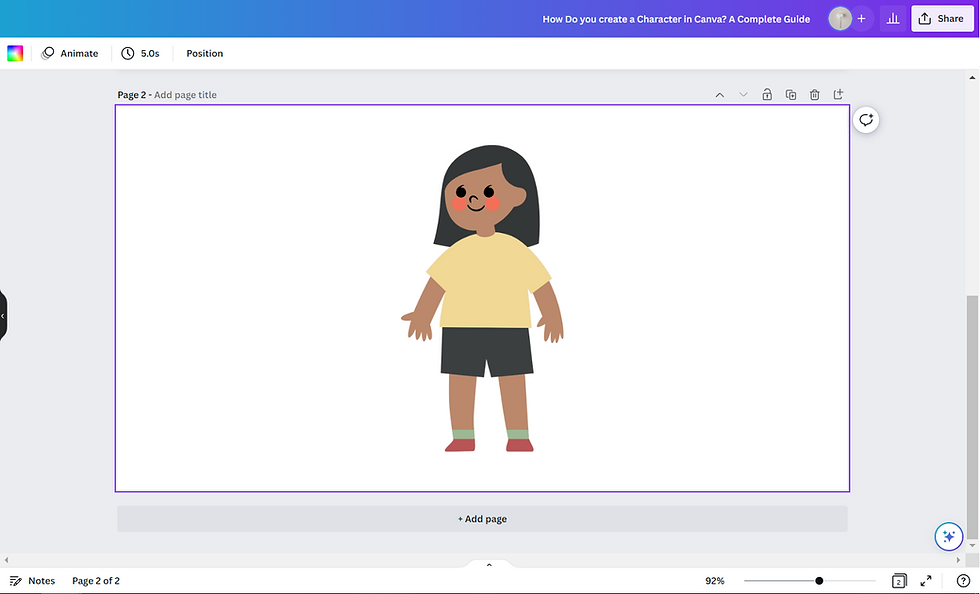
Sometimes AI crops the face or head.

Simple Canva Solution:

  • Remove background
  • Place character on a new background
  • Adjust height & position
  • Download corrected image

🎯 This ensures professional framing in videos.


Step 5: Reduce AI Credit Usage (Smart Trick)
https://assets.videomaker.com/drpl/articles/17058/330-C3-Editing-OPEN.png
https://www.techsmith.com/wp-content/uploads/2017/07/l-cut-j-cut-same-timeline.png
https://static-cse.canva.com/blob/1145855/create_short-video-maker_hero_desktop-min.jpg

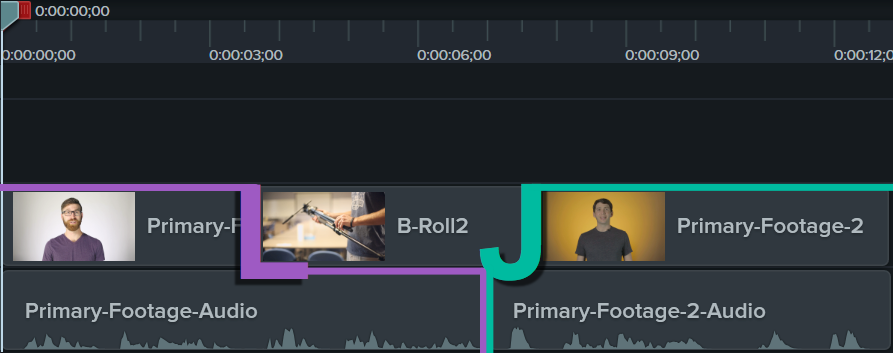
AI video generation uses credits based on duration.

Best practice:

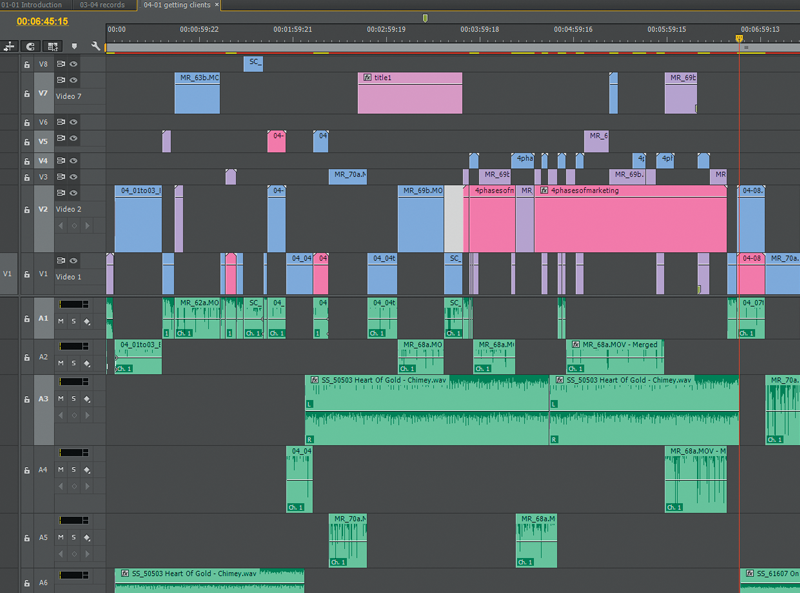
  • Split long dance reference videos into 5–6 second clips
  • Generate multiple short videos instead of one long video

This saves time and credits.


Step 6: Final Editing and Export

https://about.fb.com/wp-content/uploads/2023/04/09_Edit-Reel.png
https://content-management-files.canva.com/5d5efcd3-0f16-434f-864c-ad911e147c14/feature_video-transition_lead_012x.jpg
https://www.soundstripe.com/hubfs/Blog%20Images/2021/July/BlogJuly2021-EditReel.jpg
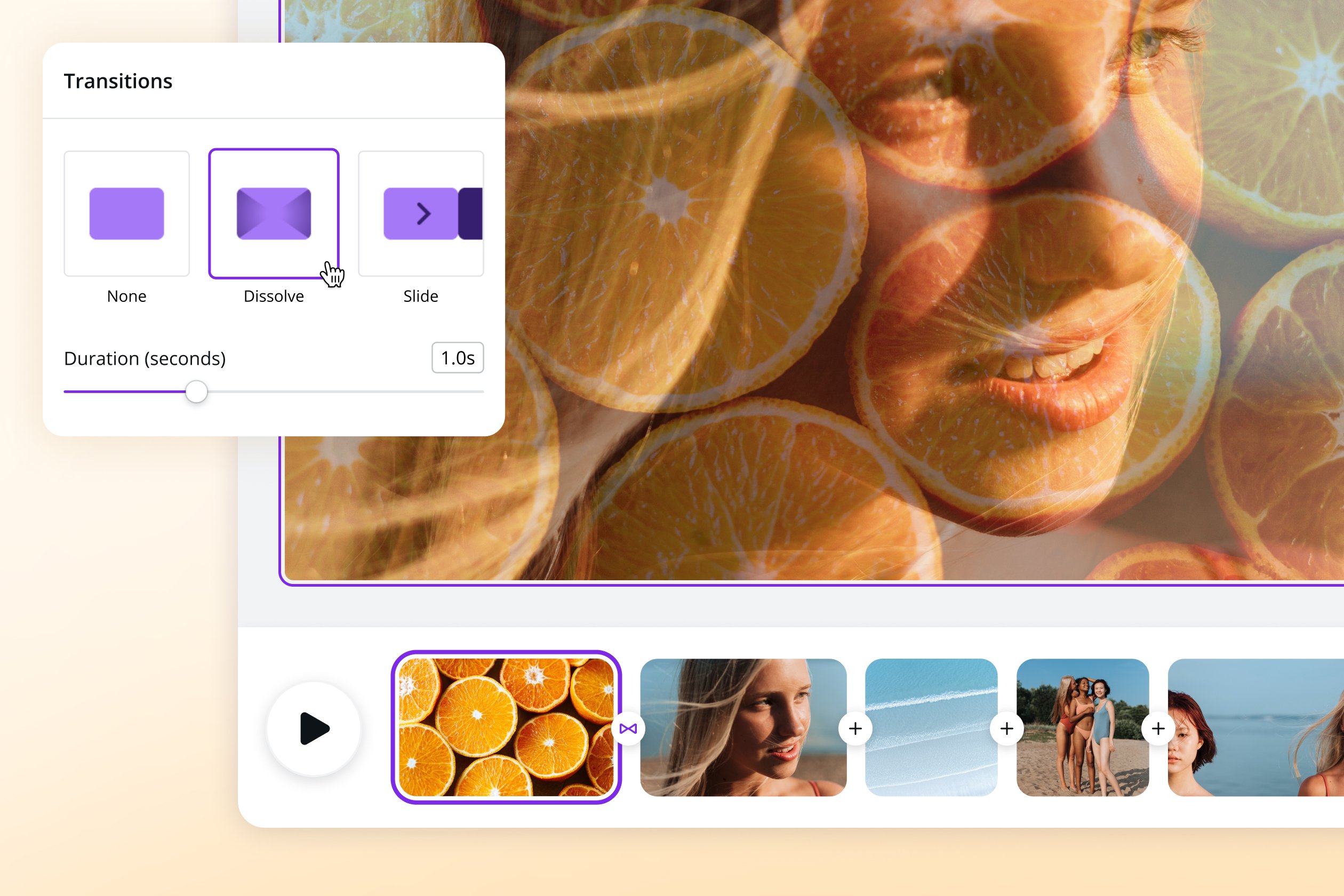
  • Combine clips
  • Add music
  • Add smooth transitions
  • Export in 9:16 format

🎉 Your baby dance AI reel is ready to post!

Leave a Comment