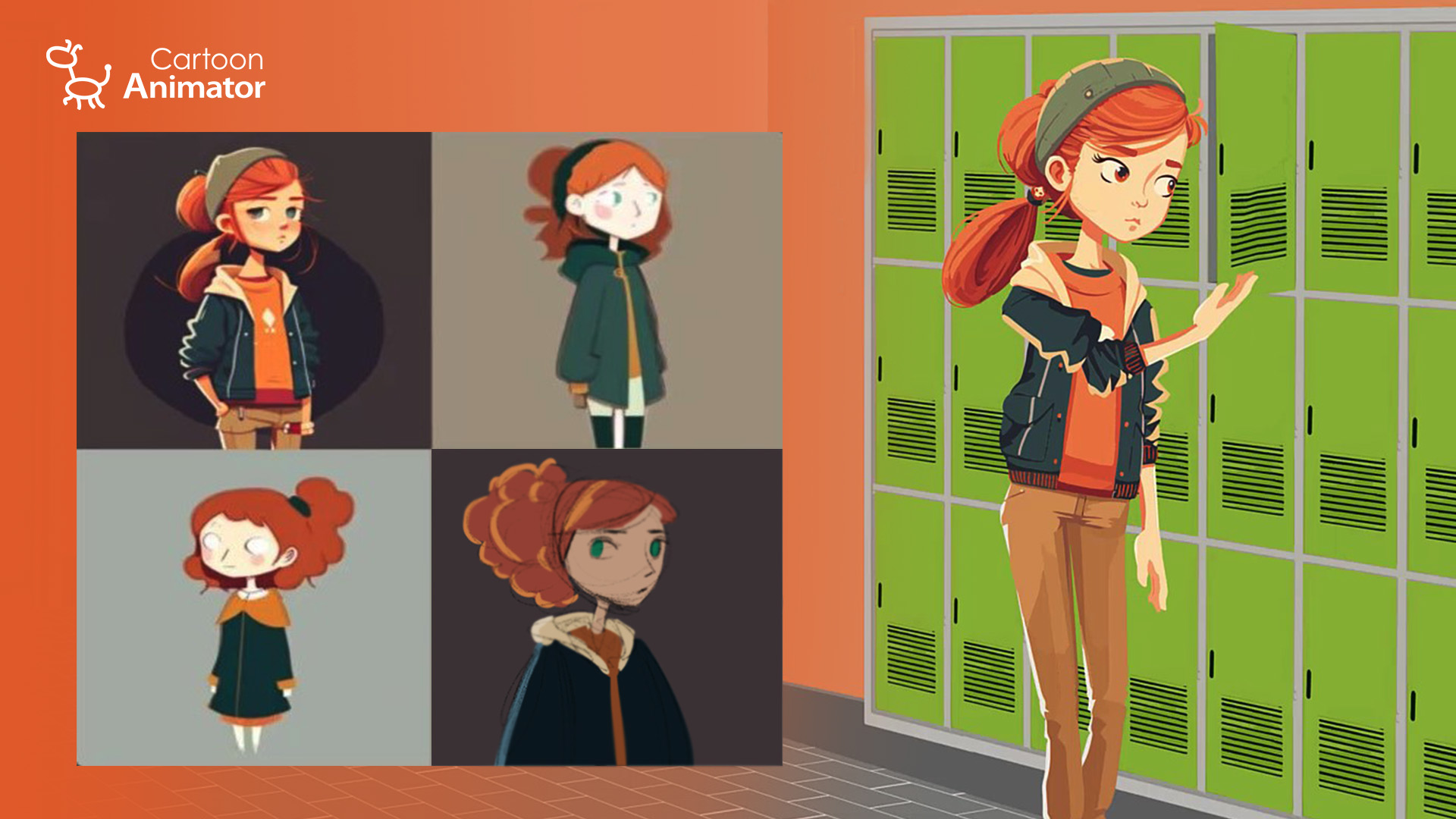
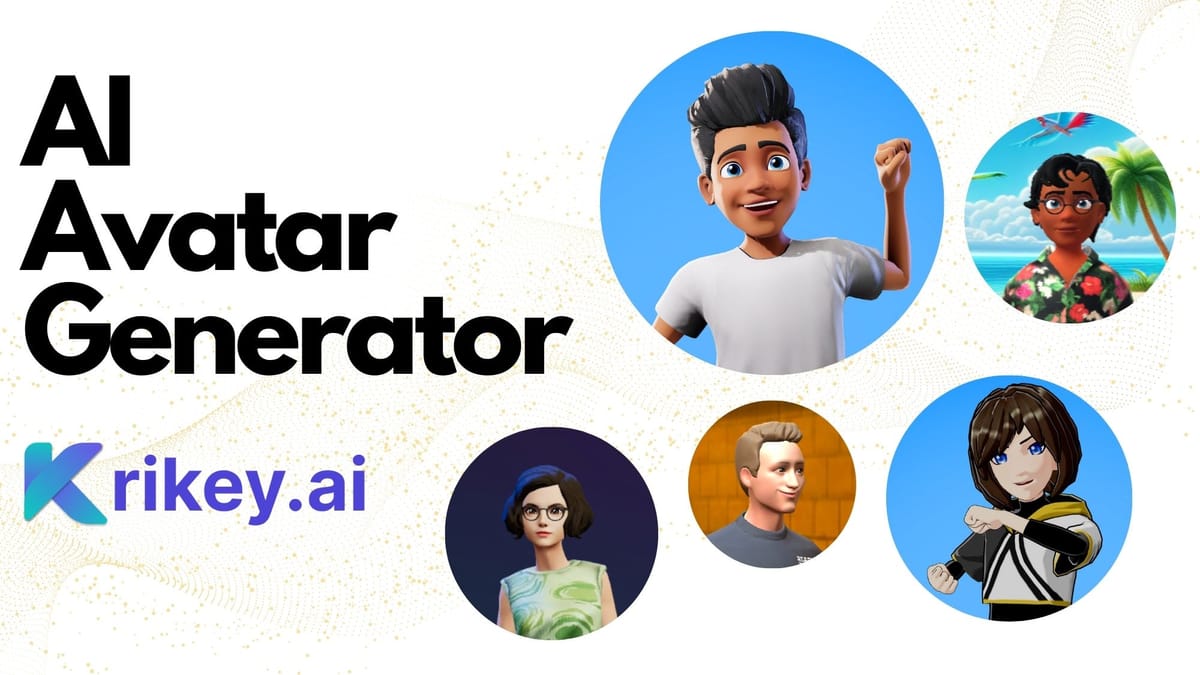
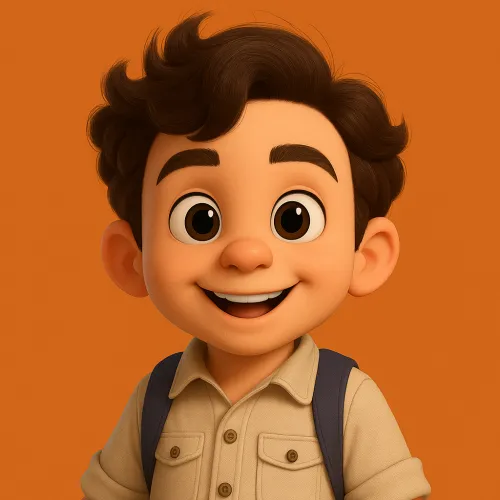
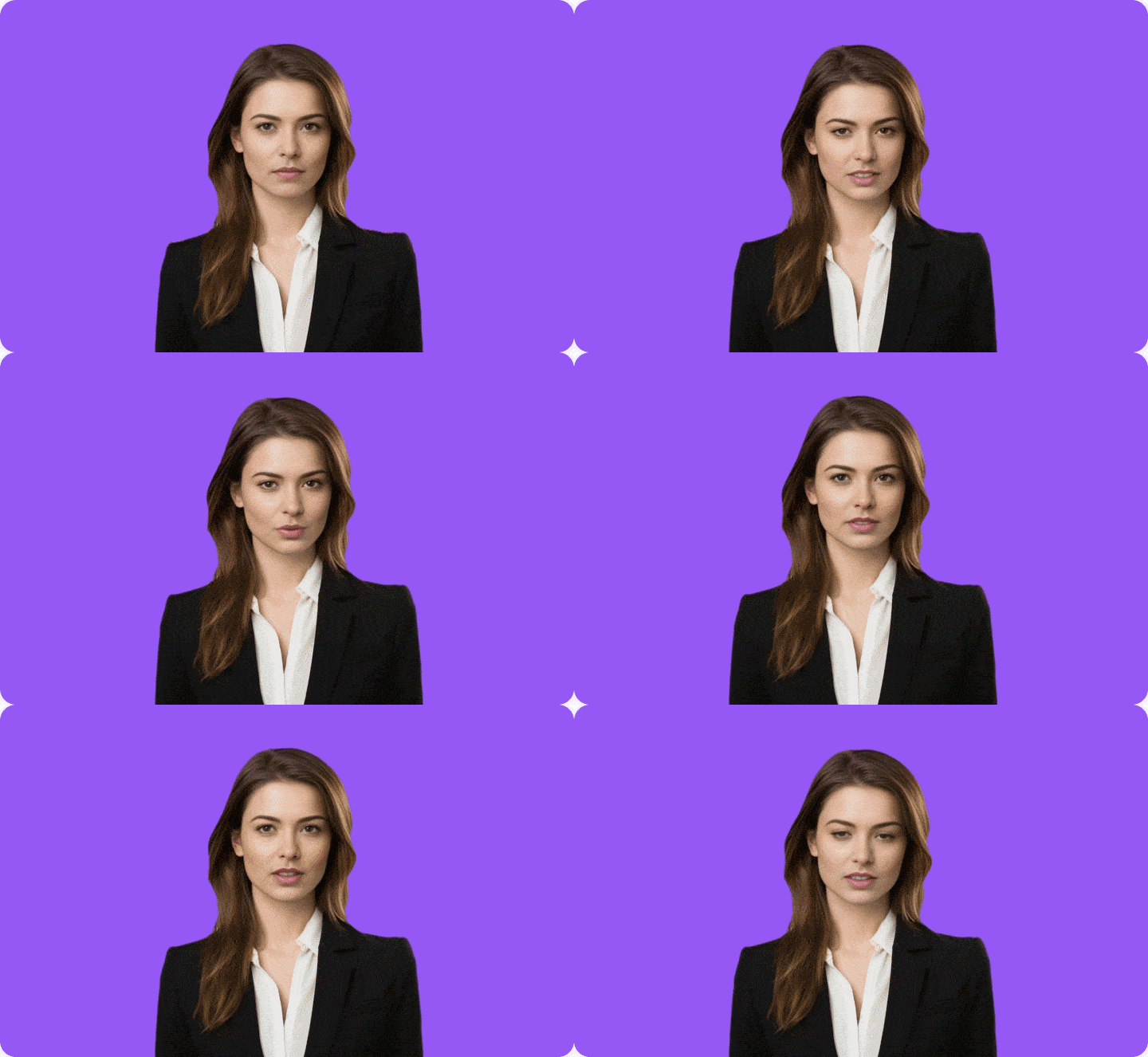
Turning yourself into a cartoon character that can talk, smile, gesture, and speak Hindi or English sounds like a paid feature — but it’s actually 100% free.
In this guide, you’ll learn how to create your own animated cartoon avatar using AI, step by step, without any technical background.
🎥 Video Tutorial (Must Watch):
👉 https://www.youtube.com/watch?v=2kCdVSZ-Fdc
Why Cartoon Avatars Are Going Viral
AI cartoon characters are trending because they:
- Look exactly like real people
- Can speak scripted dialogues
- Show natural expressions
- Work perfectly for reels and shorts
- Grab attention instantly
Creators are using them for content creation, education, branding, and entertainment.
Step 1: Turn Your Photo into a Cartoon Using ChatGPT

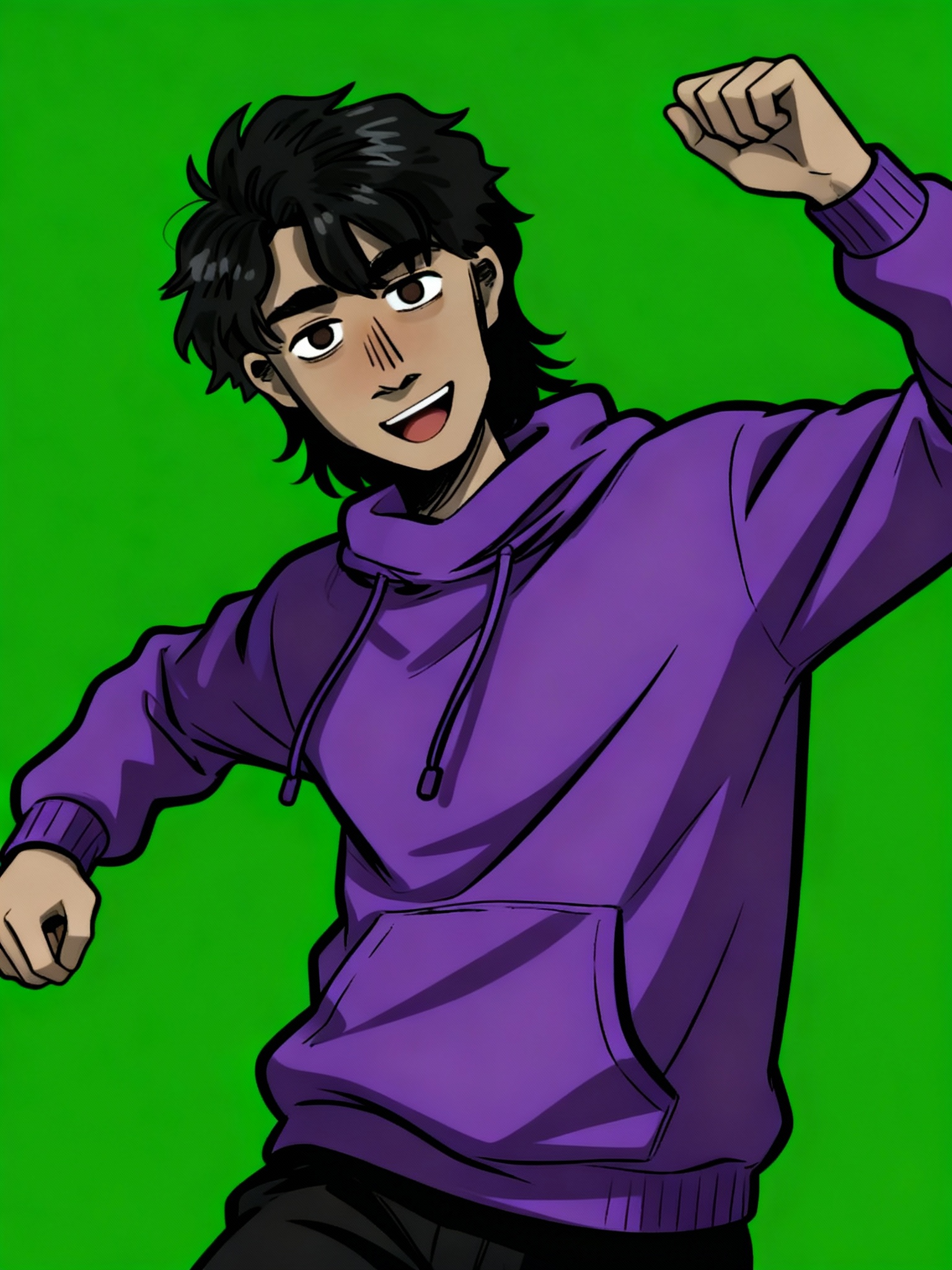
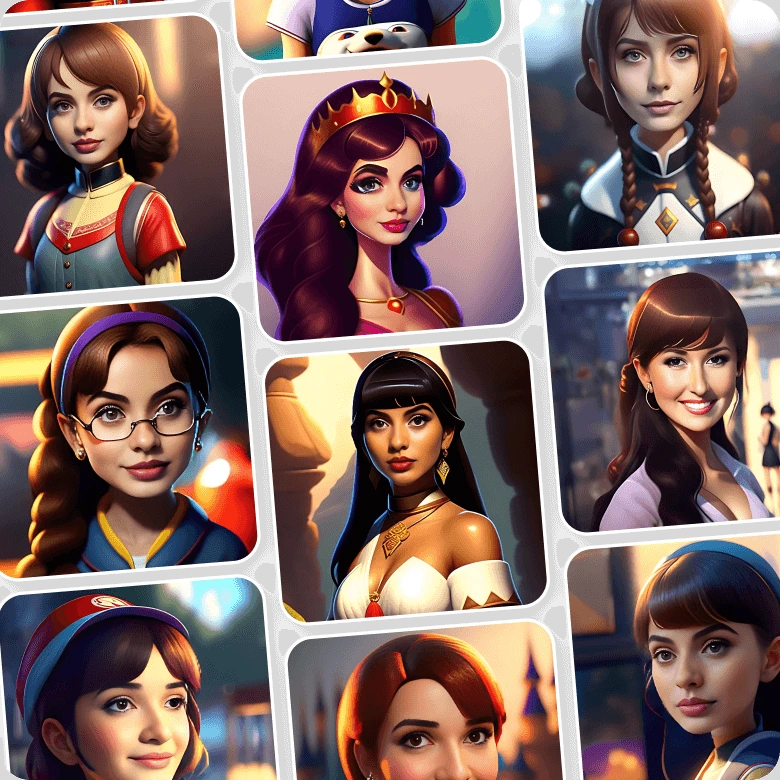
What to Do
- Open ChatGPT
- Upload your photo
- Use this instruction:
Prompt:
Convert this image into Pixar style with green screen background
Why Green Screen Is Important
- Makes background removal easy
- Allows flexible video editing
- Keeps focus on the character
ChatGPT will generate a cartoon version that matches your face, outfit, and overall look.
Save this image.
Step 2: Animate Your Cartoon in Google Flow

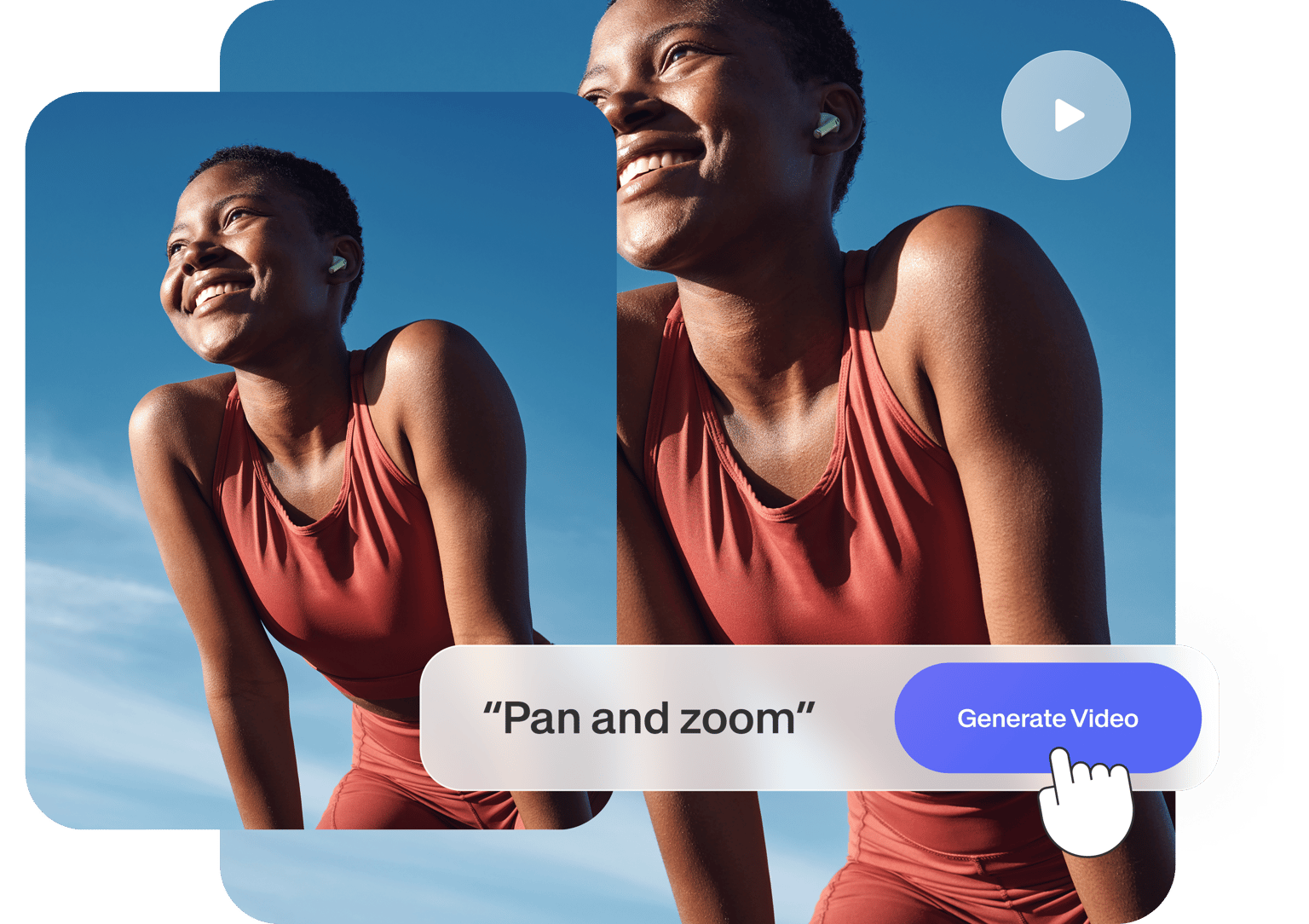
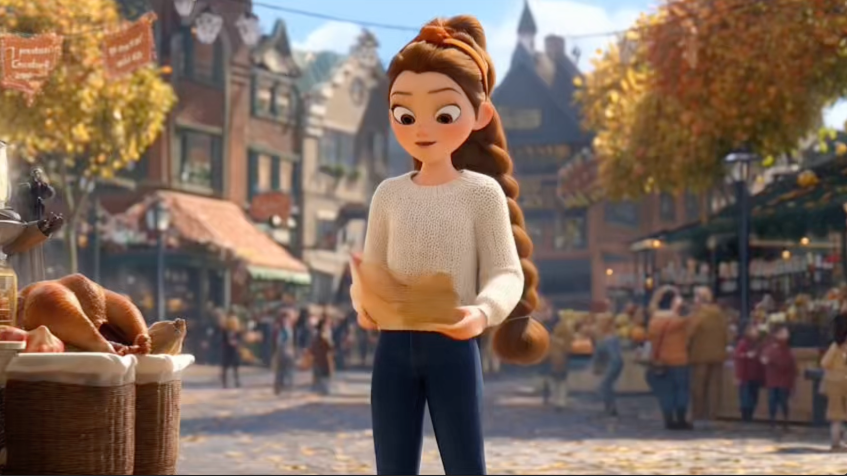
- Open Google Flow
- Click New Project
- Select Text to Video
- Choose Frames to Video
Upload your cartoon image and convert it to portrait mode if needed.
Step 3: Make Your Cartoon Speak
Example English Prompt
Make my cartoon character speak this line with expressions and hand gestures:
“I am your cartoon twin and I love to make you smile.”
Google Flow will animate:
- Lip movement
- Facial expressions
- Natural gestures
Step 4: Hindi Dialogue Works Perfectly Too


You can also use Hindi dialogues.
Example:
नमस्ते। मैं हूं रिया।
मैं डांस कर सकती हूं, बोल सकती हूं, आंख भी मार सकती हूं।
The AI matches Indian expressions and gestures naturally.
Free Limit You Should Know
✅ Google Flow gives 5 free animated videos every month
This is more than enough for:
- Instagram Reels
- YouTube Shorts
- Daily content testing
Final Words
With AI, you no longer need animation skills or expensive tools.
Just upload a photo, write a simple instruction, and your cartoon twin is ready.
📌 Watch the full process here:
👉 https://www.youtube.com/watch?v=2kCdVSZ-Fdc