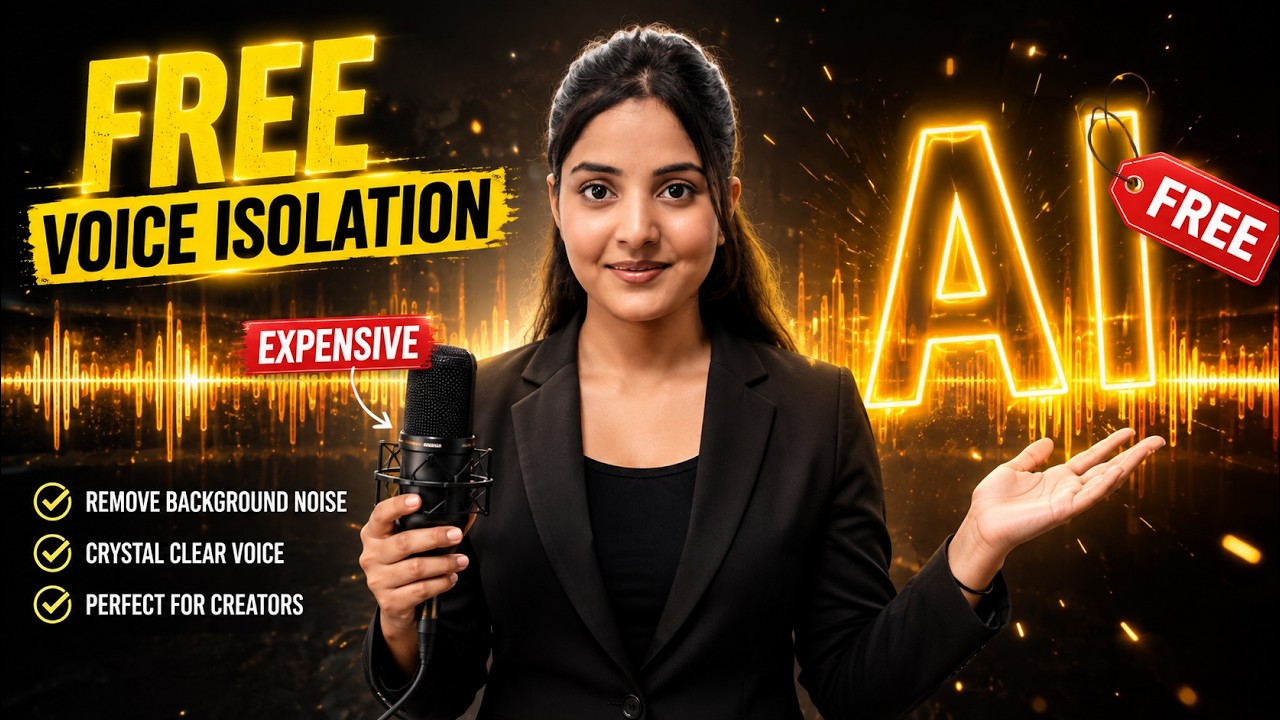
Imagine recording a perfect video only to discover that construction noise, traffic, rain, or people talking in the background has ruined your audio.
Normally, you have two choices: record everything again or spend time cleaning the audio with editing software.
AI is creating a third option.
MiniMax Audio provides AI tools for generating voices, cloning voices, designing custom voices, and isolating speech from background noise. The tutorial demonstrates these capabilities alongside a free tier that provides 10,000 credits per month.
Here’s how its most useful features work.
Turn Any Script into an AI Voice
The basic Text-to-Speech workflow is straightforward.
Write or paste your script, select an AI voice, customize it, and generate the audio.
But MiniMax Audio provides additional controls that can make the result more expressive.
Individual parts of the script can be given different emotions. The tutorial demonstrates options including happy, surprised, and fearful delivery.
This means your entire voiceover doesn’t have to sound emotionally flat.
Control Exactly How the AI Speaks
Sometimes the difference between robotic and natural narration is simply timing.
MiniMax Audio allows pauses to be inserted at specific points in the script and lets users customize their duration.
It also provides controls for:
Speed — how quickly the voice speaks.
Pitch — how high or low the voice sounds.
Volume — how loud the generated voice is.
Creators therefore have more control over the final delivery rather than simply accepting the first generated result.
Add Breathing, Coughing and Other Natural Sounds
Real people don’t speak like perfectly clean machines.
We breathe. We laugh. We occasionally cough.
MiniMax Audio includes sound tags that can introduce some of these characteristics into AI-generated speech.
The demonstrated options include breathing, chuckling, and coughing.
Used naturally and sparingly, these effects can help make an AI voiceover feel more believable.
Don’t Like Existing AI Voices? Design Your Own
You don’t necessarily have to select a voice from the existing library.
MiniMax Audio’s Voice Design feature lets you describe what you want.
For example:
“A calm young female narrator with a soft, warm and friendly voice.”
Or:
“A deep cinematic male narrator with confident delivery and dramatic pacing.”
The AI can then generate a voice based on the description.
The tutorial even demonstrates how a user can ask ChatGPT to help prepare a voice description before using it for Voice Design.
For creators developing recurring AI characters, this opens up some interesting possibilities.
Turn Your Own Voice into an AI Voice
If you don’t want a completely new voice, you can also clone an authorized voice.
MiniMax Audio lets you upload an audio sample or record directly using your microphone. In the demonstrated workflow, a recording of around 10 to 60 seconds can be provided.
After the voice has been processed, you can provide new text and have the clone speak it.
This could be valuable for creators producing large amounts of narration.
Instead of manually recording every sentence, they can potentially use their authorized AI voice clone for suitable parts of their workflow.
Improve the Recording Before Cloning
Your source recording may not always be perfect.
MiniMax Audio includes a background-noise-removal option that can clean the source audio before it is used for cloning.
There is also an Accent Optimization feature intended to improve aspects of pronunciation and accent delivery.
These options are especially useful for people recording from ordinary rooms rather than professional studios.
The Most Useful Feature: AI Voice Isolation
Voice Isolation solves one of the most common problems faced by content creators.
You record your content and later discover unwanted background noise.
Instead of recording the video again, you can upload the audio to MiniMax Audio’s Voice Isolation feature.
The AI processes the recording and attempts to remove unwanted background sounds while retaining the main voice.
The tutorial demonstrates the feature on a noisy recording and then compares it with the cleaned version, reporting that the background noise was removed without damaging the speaker’s voice.
For YouTubers and Reel creators who frequently record outside professional studios, this alone could make the tool worth exploring.
Remove Noise from Video in a Few Steps
Voice Isolation works with audio, so what happens if you need to clean a video?
Extract the audio first.
If your video editor supports audio-only exporting, export the video’s audio as an MP3. Otherwise, the tutorial demonstrates using an MP4-to-MP3 converter as an alternative.
Then follow this workflow:
Step 1: Extract audio from the video.
Step 2: Upload the audio to Voice Isolation.
Step 3: Let AI remove the unwanted background noise.
Step 4: Download the cleaned audio.
Step 5: Import it back into your video editor.
Step 6: Replace or mute the original noisy audio.
You now have your original video with a cleaner voice track.
One AI Tool, Multiple Audio Tasks
The biggest advantage of a platform like MiniMax Audio isn’t necessarily one individual feature.
It’s the combination.
A creator can use the same platform to generate a voiceover, customize its delivery, design an original voice, clone an authorized voice, and clean noisy recordings.
That makes it relevant for:
- YouTube creators
- Instagram and Reel creators
- AI influencers
- Faceless channels
- Podcasters
- Digital marketers
- Online educators
- Storytelling channels
- AI video creators
Final Verdict
AI-generated audio is becoming increasingly sophisticated.
MiniMax Audio demonstrates that creators no longer have to think of AI voice tools as simple text readers. Features such as emotional delivery, custom pauses, sound tags, Voice Design, Voice Cloning, and Voice Isolation make the technology much more flexible.
Among all of these capabilities, Voice Isolation stands out as one of the most practical features for everyday creators because it addresses a problem almost everyone encounters: unwanted background noise.
Combine that with AI voice generation and cloning, and MiniMax Audio becomes an interesting all-in-one audio platform for creators looking to improve or automate parts of their production workflow in 2026.