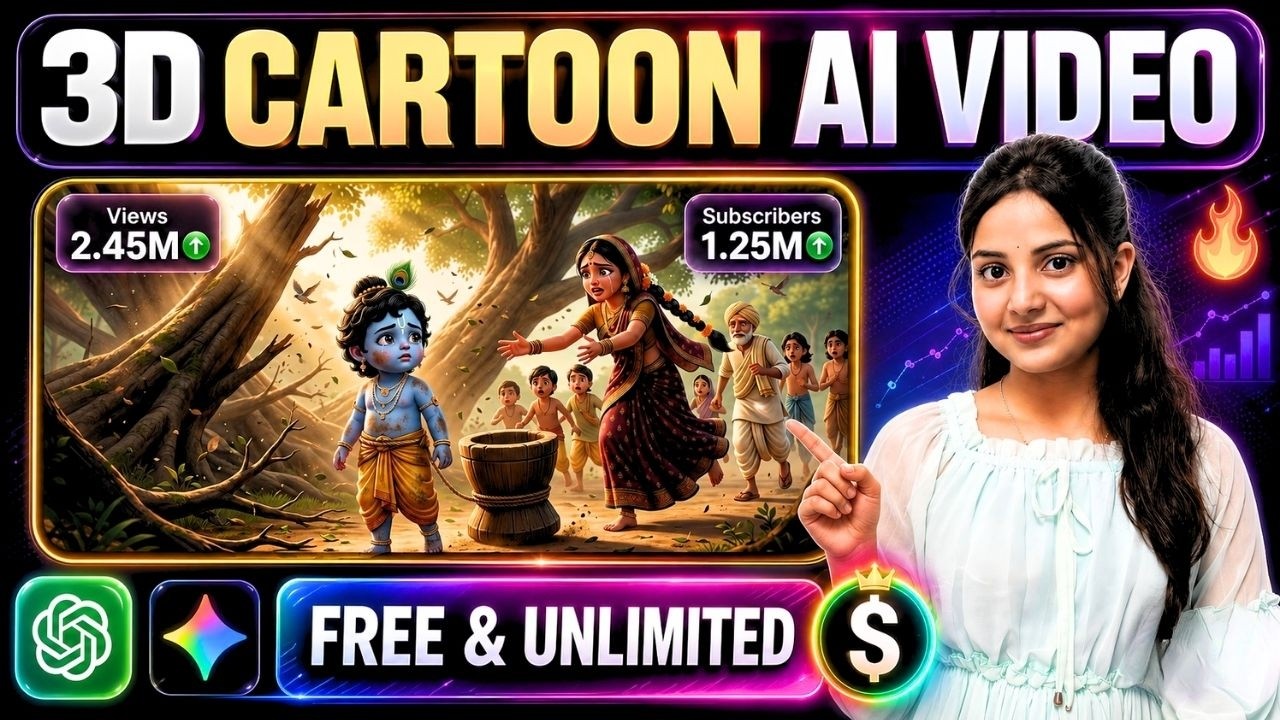
Creating high-quality animated cartoons used to require an entire production team, expensive animation software, voice actors, and weeks of work. Thanks to modern AI tools, that process has become dramatically faster and more accessible.
With Google Omni, ChatGPT, and Google Flow, anyone can produce impressive 3D animated stories featuring consistent characters, realistic camera movements, expressive dialogues, and cinematic storytelling—all without traditional animation experience.
Whether you’re planning to create Krishna Leela, Ramayana episodes, children’s educational content, moral stories, fantasy adventures, or a full YouTube cartoon series, this workflow will help you create long-form AI animations efficiently.
Why AI Cartoon Videos Are Growing So Fast
Animated storytelling captures attention because it combines colorful visuals, engaging characters, emotional moments, and memorable narratives. This makes cartoons perform exceptionally well across YouTube, Instagram, Facebook, and other video platforms.
Today, creators are using AI to produce content such as:
- Krishna Leela stories
- Ramayana animations
- Children’s cartoons
- Panchatantra tales
- Educational videos
- Moral stories
- Fantasy adventures
- Historical recreations
- Animated short films
- Episodic cartoon series
The biggest advantage is speed. AI dramatically reduces production time while still delivering professional-looking visuals.
Step 1: Develop a Powerful Story Concept
Every memorable animation starts with a strong idea.
Instead of writing the entire script immediately, begin by asking ChatGPT to generate multiple concepts and select the most engaging one.
You can use ChatGPT for:
- Story concepts
- Episode ideas
- Plot outlines
- Character creation
- Emotional story beats
- Dialogue ideas
- Scene planning
- Ending variations
For example, if you’re creating a Krishna Leela animation, first generate several unique story ideas before deciding which one to expand.
A stronger foundation almost always leads to a better final animation.
Step 2: Break the Story Into Individual Scenes
Long animations become much easier to create when divided into smaller sections.
Instead of generating one large prompt, organize your story scene by scene.
Each scene should clearly define:
- Location
- Characters involved
- Camera angle
- Character actions
- Facial expressions
- Dialogue
- Emotional tone
- Estimated duration
Working scene by scene gives you greater creative control and significantly improves AI video quality.
Step 3: Design Consistent Characters
Character consistency is one of the most important factors in AI animation.
Before generating any videos, prepare detailed character profiles.
Include information such as:
- Face shape
- Eye color
- Hairstyle
- Clothing
- Accessories
- Age
- Height
- Personality
- Expressions
- Body proportions
Using the exact same description throughout every prompt helps maintain consistent appearances from the first scene to the last.
Step 4: Create Reusable Characters in Google Flow
Google Flow makes it easier to maintain character consistency throughout an entire project.
Instead of recreating characters for every scene, build your main cast once and reuse them across the animation.
Advantages include:
- Uniform character appearance
- Faster production
- More believable storytelling
- Better continuity
- Reduced editing work
This approach is especially valuable for long cartoon series with recurring characters.
Step 5: Write Detailed Scene Prompts
Rather than prompting an entire episode at once, create one detailed prompt for each individual scene.
Every prompt should describe:
- Environment
- Time of day
- Lighting
- Character positioning
- Facial expressions
- Actions
- Camera movement
- Dialogue
- Animation style
The more descriptive your prompts, the better the generated animation will look.
Step 6: Generate Videos with Google Omni
Once your prompts are ready, use Google Omni to generate each scene individually.
For better results:
- Choose the correct aspect ratio.
- Keep scene lengths consistent.
- Reuse the same character references.
- Maintain identical animation styles.
- Use descriptive cinematic camera directions.
- Keep lighting consistent throughout the story.
Generating scenes separately also allows you to regenerate only the shots that need improvement.
Step 7: Create Natural Character Dialogues
Dialogue is what transforms animated characters into believable personalities.
Instead of relying entirely on default AI voices, generate natural conversations that match each character’s personality and emotions.
If you’re producing content in Hindi or another regional language, write the dialogue in that language for a more authentic viewing experience.
Good dialogue increases emotional connection and audience retention.
Step 8: Keep Every Scene Visually Consistent
Professional animations maintain a unified visual style from beginning to end.
Pay close attention to consistency in:
- Character design
- Clothing
- Color palette
- Lighting
- Background environments
- Camera style
- Animation quality
Maintaining these details creates a polished and immersive viewing experience.
Step 9: Assemble the Complete Animation
After generating all scenes, combine them into a finished video using your preferred editing software.
During editing:
- Arrange scenes in story order.
- Add smooth transitions.
- Include cinematic background music.
- Balance dialogue and sound effects.
- Add subtitles.
- Create an engaging intro and outro.
- Export in high resolution.
Professional editing can significantly improve the final presentation.
Tips for Creating Better AI Cartoon Videos
To produce more engaging animations:
- Focus on storytelling before visual effects.
- Use cinematic camera movements.
- Generate one scene at a time.
- Reuse character references.
- Keep prompts highly descriptive.
- Maintain consistent environments.
- Review every scene before moving forward.
- Regenerate weak scenes instead of accepting average results.
Small improvements in every scene add up to a much stronger final animation.
Best Content Ideas for This Workflow
This production method is ideal for:
- Krishna Leela animations
- Ramayana episodes
- Mahabharata stories
- Panchatantra tales
- Kids learning videos
- Moral stories
- Educational explainers
- Fantasy adventures
- Animated YouTube Shorts
- Long-form cartoon series
- Mythological storytelling
- Historical animations
Final Thoughts
AI has transformed cartoon production into a workflow that is faster, more affordable, and accessible to creators of all skill levels.
By combining ChatGPT for story development, Google Flow for consistent character creation, and Google Omni for high-quality video generation, you can build professional-looking animated stories without the traditional animation pipeline.
The most effective strategy is simple:
Start with a compelling story, design consistent characters, divide the narrative into detailed scenes, generate videos one scene at a time, and finish with polished editing.
With practice and a structured workflow, you can create engaging animated content for YouTube, social media, educational platforms, or even full-length AI cartoon series that captivate audiences.